This article explains what it means to withdraw from a negotiation and how a user can withdraw their bid or offer during the campaign stage
All users with pending or approved bids or offers in any stage of the campaign have the option to withdraw from a negotiation.
In the event a user withdraws, they will not be able to place further bids or offers on the negotiation until re-invited by the Listing Agent.
Upon withdrawing, the user will be classified as an "observer" on the listing and will have the ability to withdraw their interest further, if they choose to do so.
Instructions to withdraw from a negotiation during the campaign stage
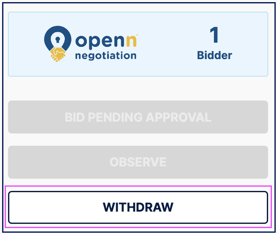
- Visit the negotiation page and locate the 'Withdraw' button under the agent information to the right of screen.
- Select 'Withdraw'
- You will be asked to confirm the withdrawal which means you can not participate in the bidding or offers unless re-invited by the agent
If you have withdrawn and want to participate again, please contact the Listing Agent who will have the ability to re-invite you pending Seller approval.
Was this article helpful?
That’s Great!
Thank you for your feedback
Sorry! We couldn't be helpful
Thank you for your feedback
Feedback sent
We appreciate your effort and will try to fix the article